Filter by meaning, not keywords
Ask for qualities, context, or tradeoffs that exact word matching cannot reliably understand.
AI-powered filtering for Chrome
Describe what you want in plain language. ListRefine uses AI to understand each loaded item and refine the list, table, or product grid already in front of you.
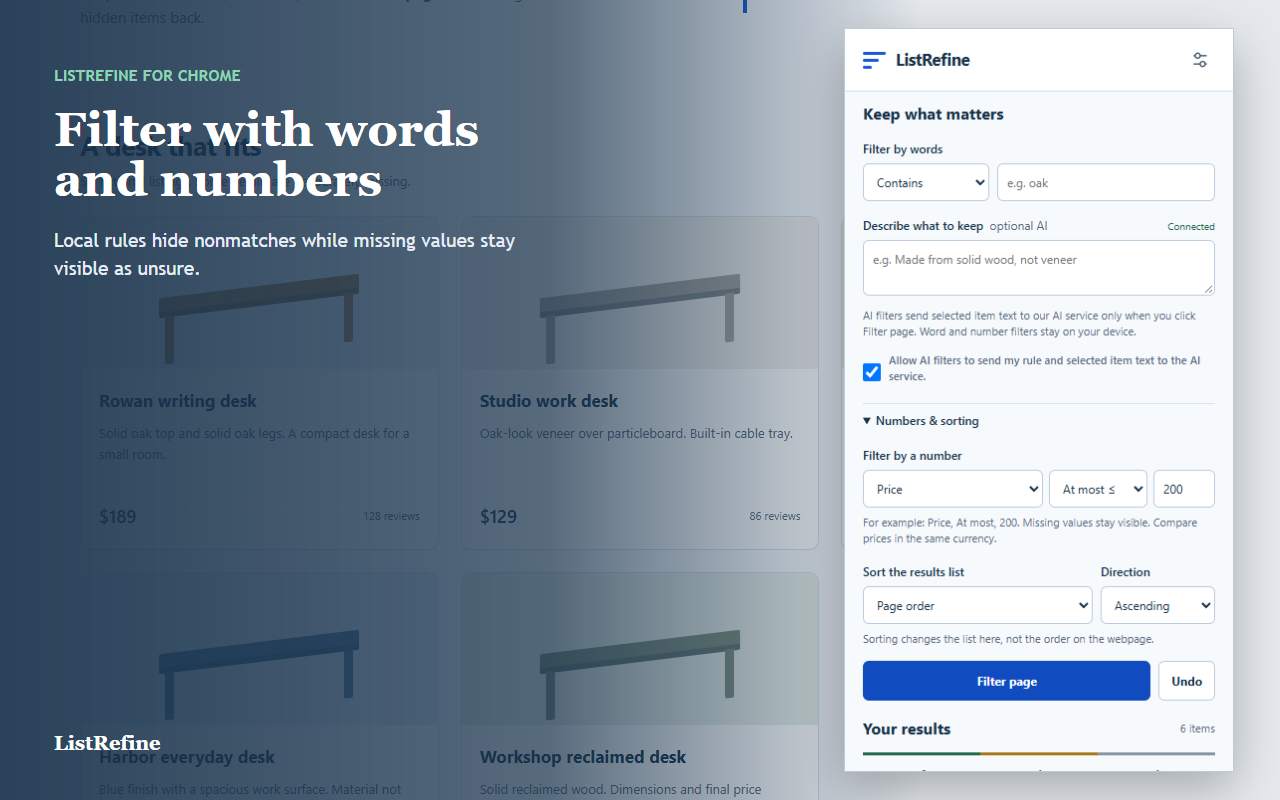
AI where you already browse
ListRefine stays beside the page you are evaluating. Select a loaded collection, describe the result you need, and let AI assess the visible information item by item.
AI with clear boundaries
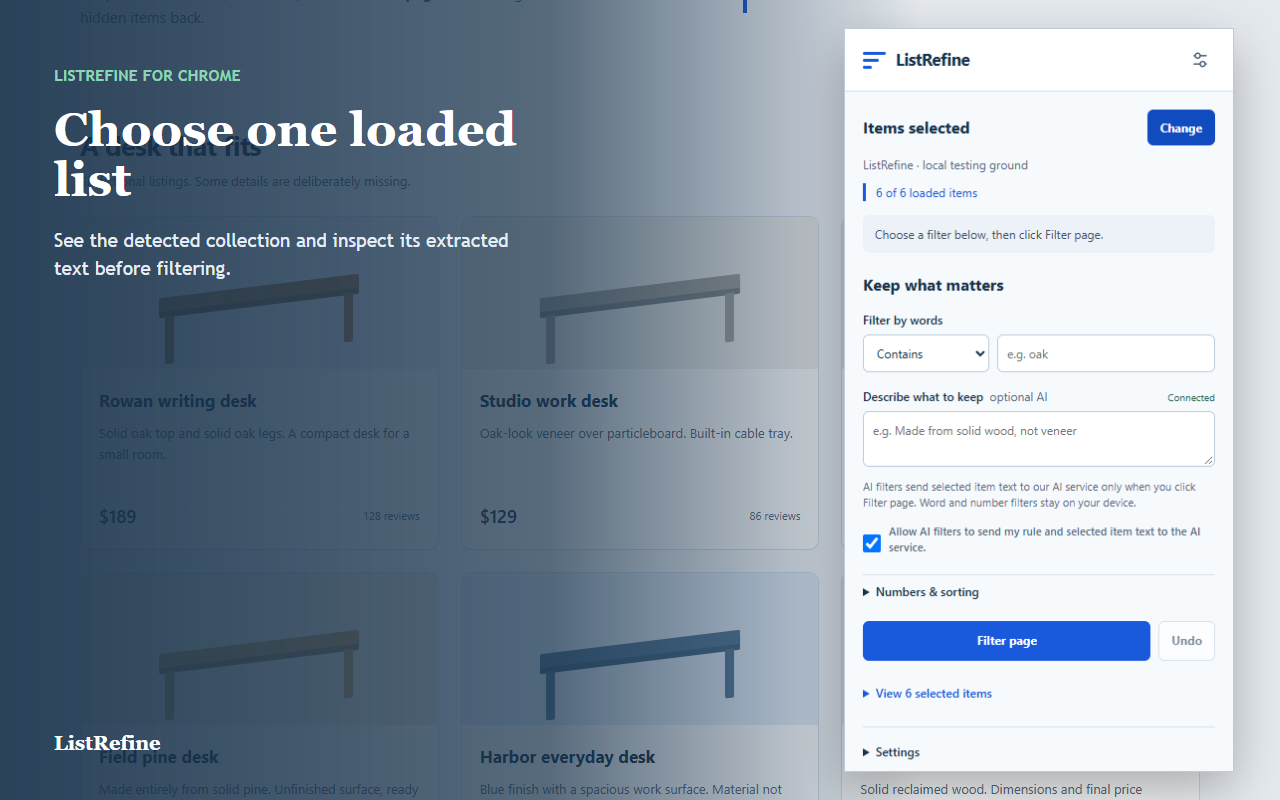
ListRefine brings semantic AI judgment to ordinary web pages while keeping the selected content, criterion, outcome, and uncertainty open to inspection.
Ask for qualities, context, or tradeoffs that exact word matching cannot reliably understand.
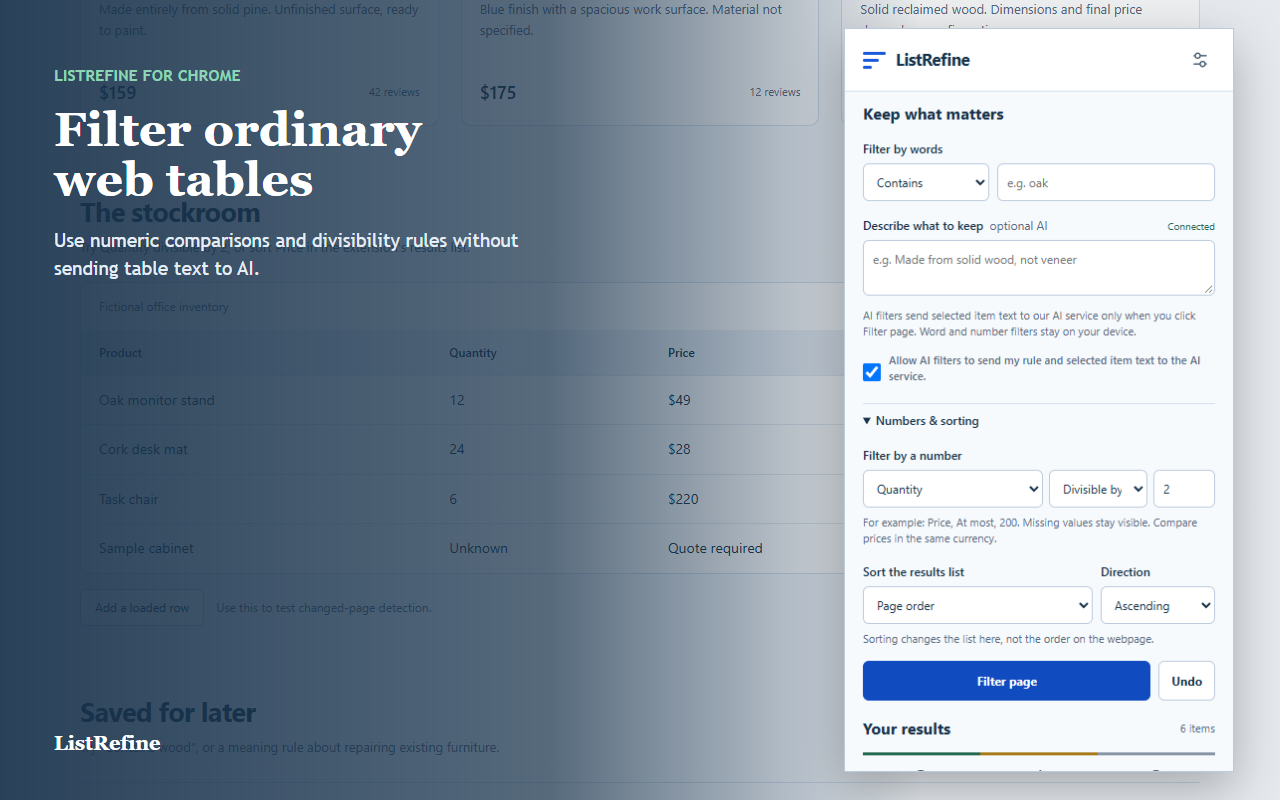
Combine AI judgment with fast local word and number rules for simple, deterministic conditions.
Missing or ambiguous values remain as unsure, so incomplete data does not quietly disappear.
Three deliberate steps
Bring AI directly to the page you already have open. No prompt copying, spreadsheet export, scraping workflow, or new tab required.
Click one row, product, or list item. Confirm the detected boundary and loaded-item count.
Give AI a natural-language criterion, including qualities and context beyond exact keywords.
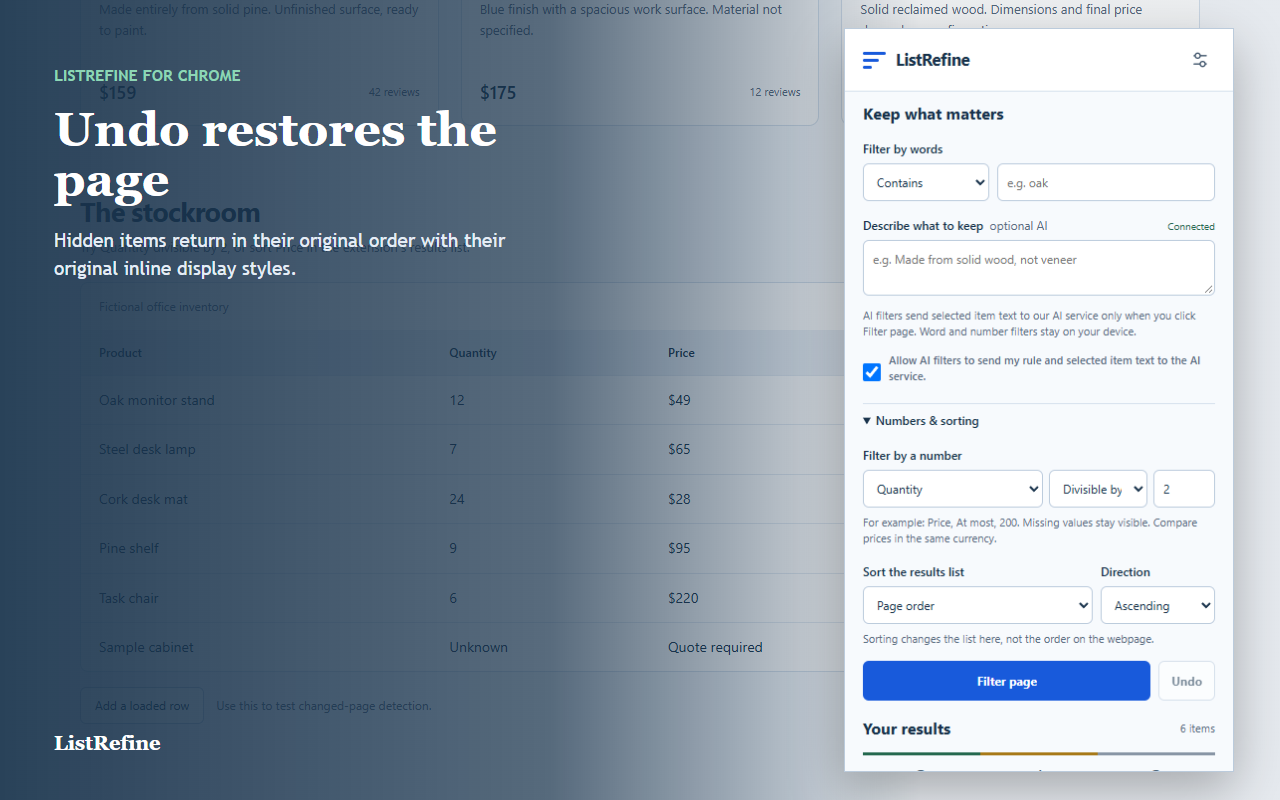
Matches and unsure items stay visible. Inspect the judgment or undo the change at any time.
Useful in the ordinary web
Turn repetitive scanning into a transparent, reversible step while leaving the original page intact.
Ask AI to keep products that meet nuanced needs such as build quality, use case, or stated materials.
Describe the combination of capabilities that matters instead of checking every row yourself.
Identify entries that fit a specific intent even when every page uses different language.
Clear limits
ListRefine processes up to the first 200 detected items already loaded on the page. It does not crawl catalogs or fetch later pages.
PDFs, canvas content, cross-origin frames, shadow DOM, virtualized feeds, and irregular layouts may not work. Sorting changes the extension results list, not the website order.
See supported pages and troubleshooting →Less scanning. More deciding.