Check that the table is supported
The rows must already be loaded and represented by ordinary HTML elements. Tables with merged cells, infinite loading, virtualized rows, embedded cross-origin frames, canvas rendering, or PDF content need a different workflow.
ListRefine processes at most the first 200 detected loaded rows. It does not fetch the next page.
Choose a representative row
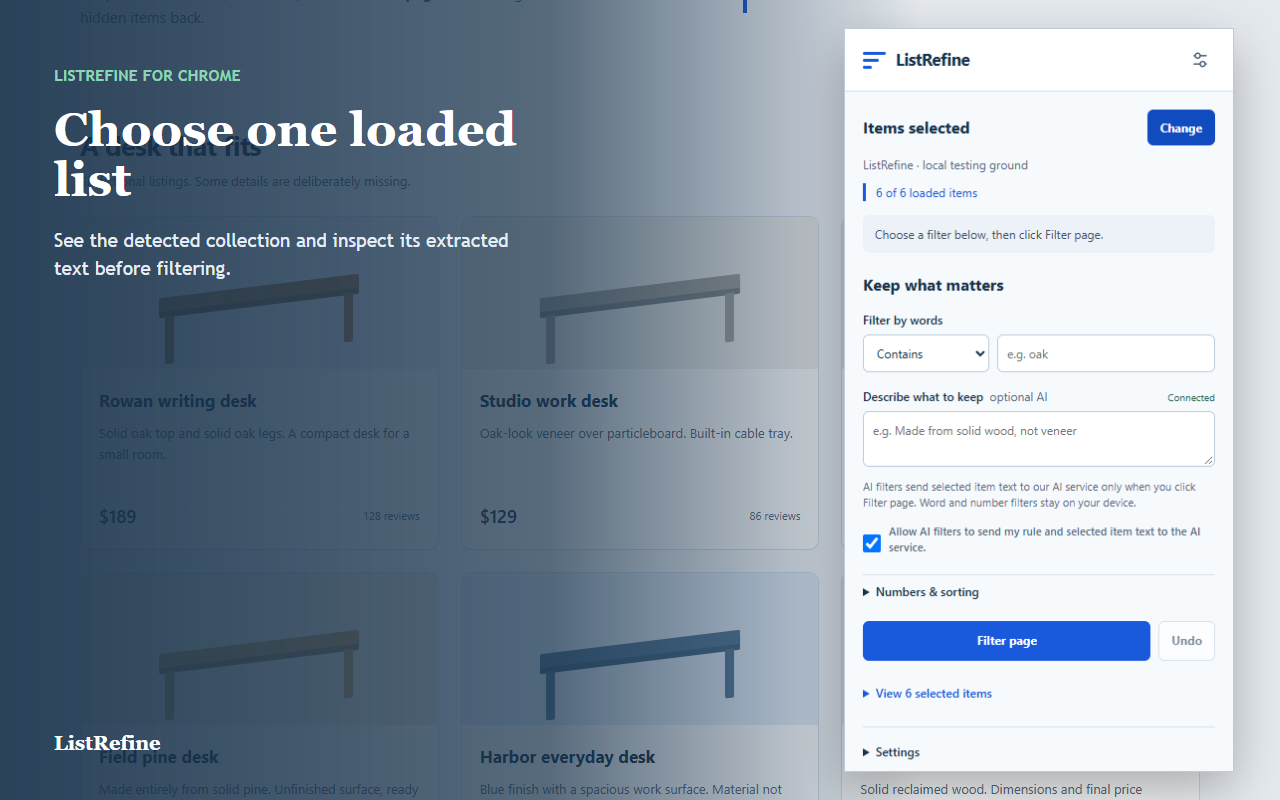
Open ListRefine, select Choose items, then click a cell in one row. The extension shows the detected row count and available columns. Check that the boundary includes only the table you intended to filter.
Add a local rule
Use Filter by words for a literal case-insensitive phrase. Open Numbers & sorting for at most, at least, equals, or integer divisibility.
| Goal | Rule | Example |
|---|---|---|
| Find visible text | Words | “In stock” |
| Set a ceiling | At most | Price ≤ 100 |
| Set a minimum | At least | Rating ≥ 4 |
Numeric parsing supports unambiguous English-style numbers and common currency prefixes. Ranges, compact values such as 1.2k, localized decimals, dates, and missing values remain unknown.
Filter and inspect
Select Filter page. Rows that do not match are hidden; rows with unknown values stay visible. The results list shows Match, Unsure, and Doesn't match counts.
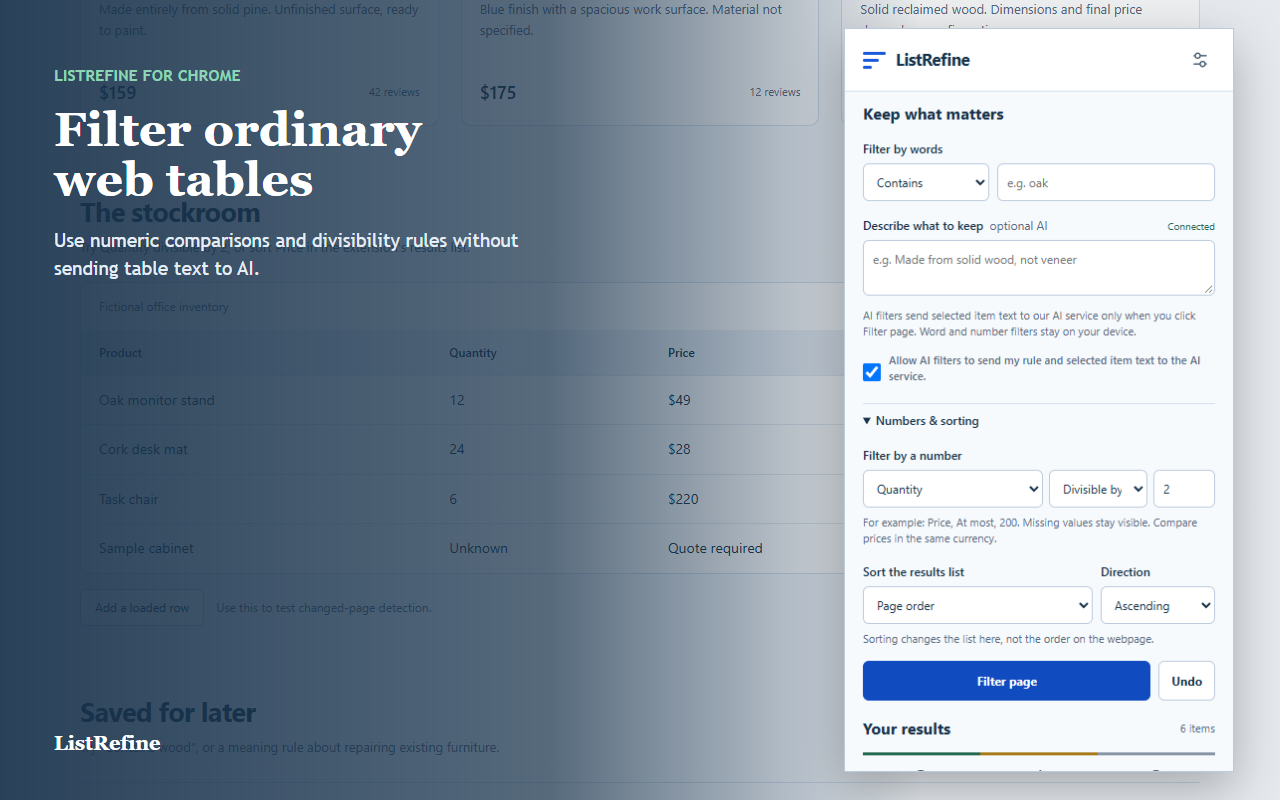
Sorting affects the extension results list only. It does not reorder the webpage table.
Restore the table
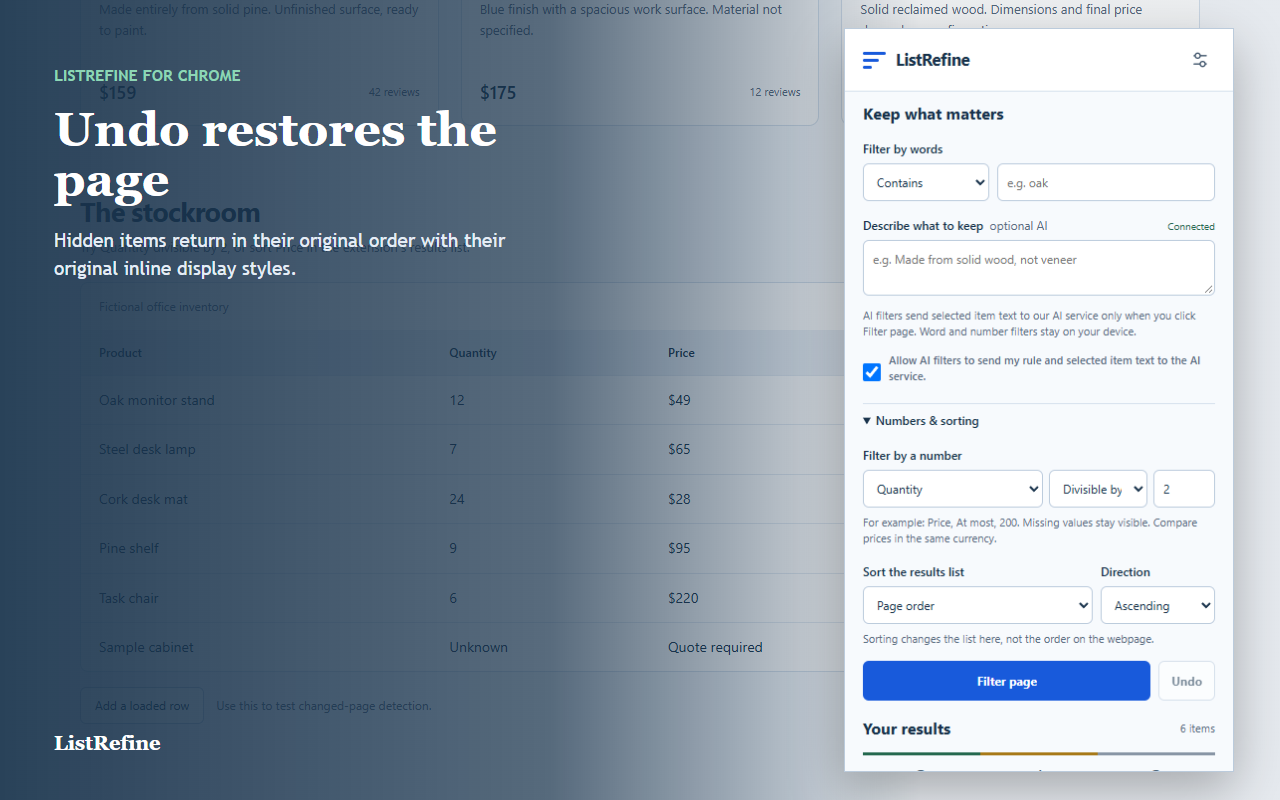
Select Undo to restore hidden rows and their original inline display styles. Refreshing or navigating also clears the selection. If the table changes while filtered, ListRefine restores hidden rows and asks you to select the collection again.
When literal rules are not enough
Use an AI rule deliberately
AI can judge a narrow description against visible row text when exact words are insufficient. Inspect the extracted text first. AI is optional, requires explicit consent, and can be wrong. Unsure items remain visible.
Prefer local word and number rules whenever they can express the task. They stay on your device and do not consume AI checks.